
PDF Annotator
Highlight, comment, stamp and draw on any PDF.
All editions, including Free
About this feature
What it does
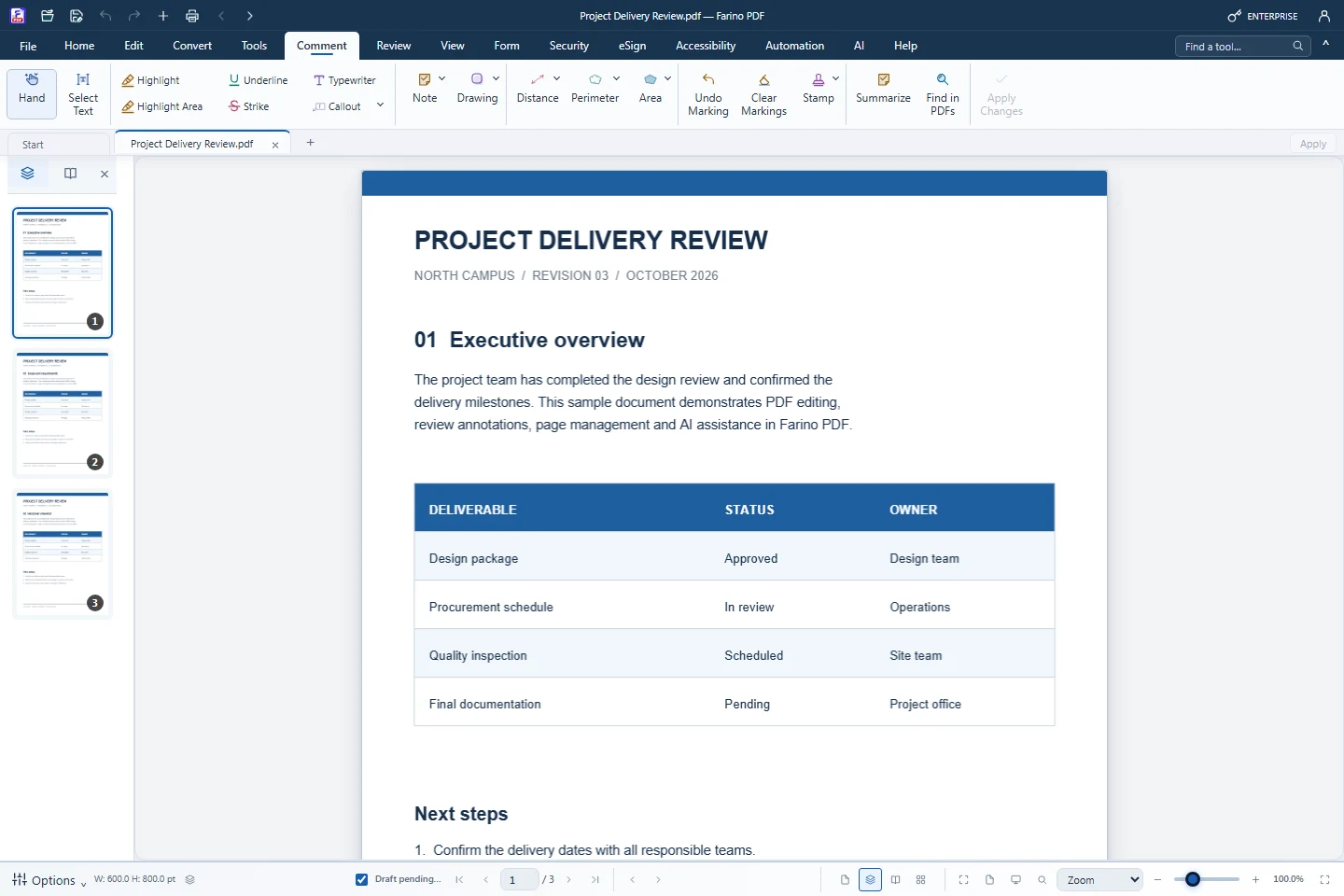
The Comment tab holds every markup tool: highlights, underlines, strikethroughs, callouts, notes, drawings, stamps and simple measurements. New markings stay editable until you apply them, so a review can be adjusted before it becomes part of the page.
- Highlight, Underline, Strike and Highlight Area for images or signatures
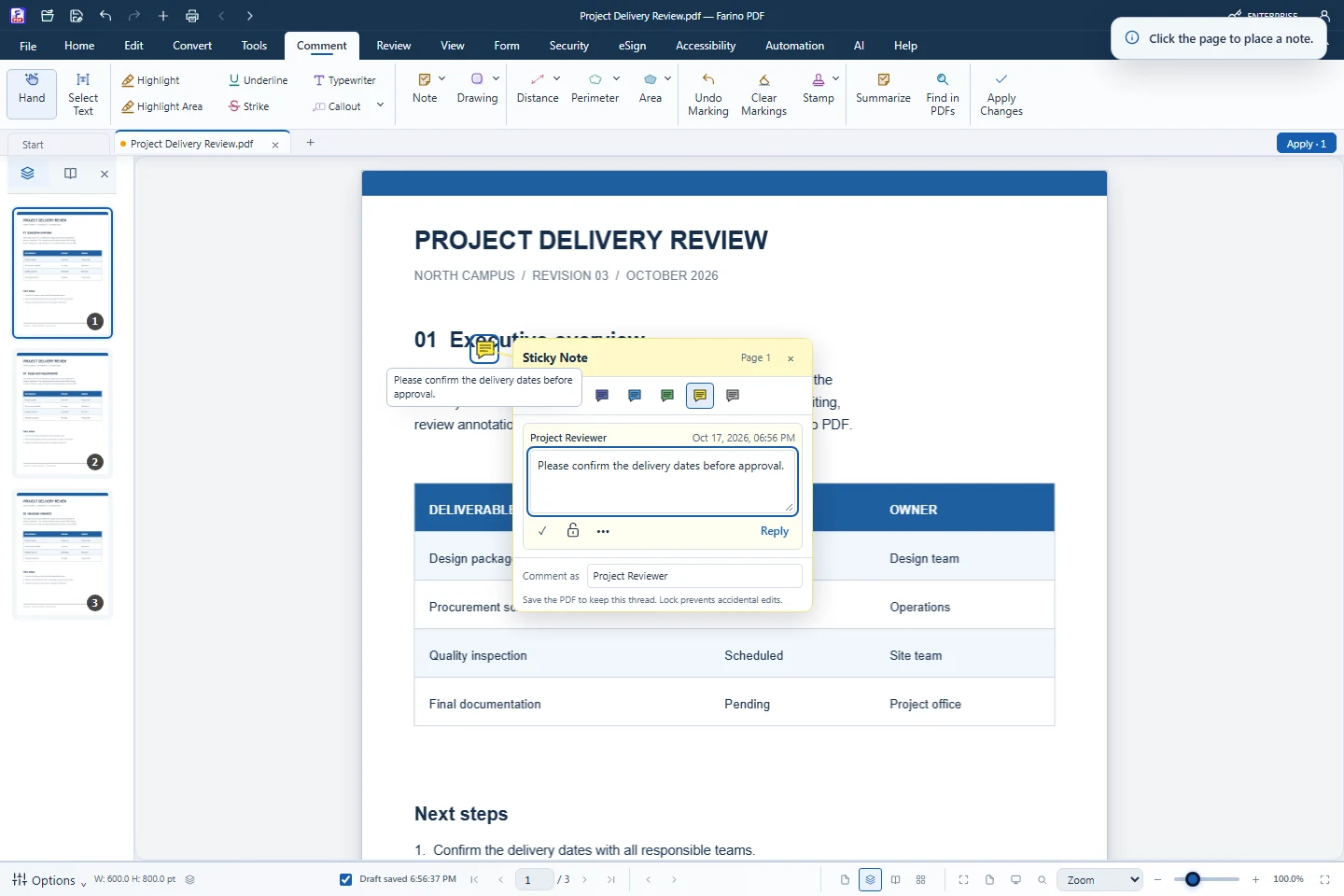
- Callouts with arrows, including cloudy styles, and notes with author and time
- Stamp gallery with custom text and dynamic date and name
- Distance, Perimeter and Area measurements on the page
- Summarize comments and Find in PDFs across many files (Pro)
How to use it
Short steps in the Farino PDF app. The full guide is in the documentation.
Read the full guideOpen the Comment tab
Pick a markup tool such as Highlight, Callout, Note or Stamp.
Mark the page
Drag across text or click where the note, callout or stamp should go.
Apply and save
Click Apply Changes, then Save. Undo reverses the last change.
Related features
Edit PDFChange text, images and shapes directly on the page.PDF ReaderRead comfortably with thumbnails, zoom, read mode and night mode.Watermark PDFAdd a text or image watermark to every page.Number PagesPage numbers, headers and footers, Bates and document numbers.Document TemplatesReady-to-fill Indonesian templates and company letterheads.
Start with the free edition today.
Upgrade from inside your account when your work needs more.
- Free edition, no account
- Signed installer
- Local support