
Document Templates
Ready-to-fill Indonesian templates and company letterheads.
Free with Pro extras
About this feature
What it does
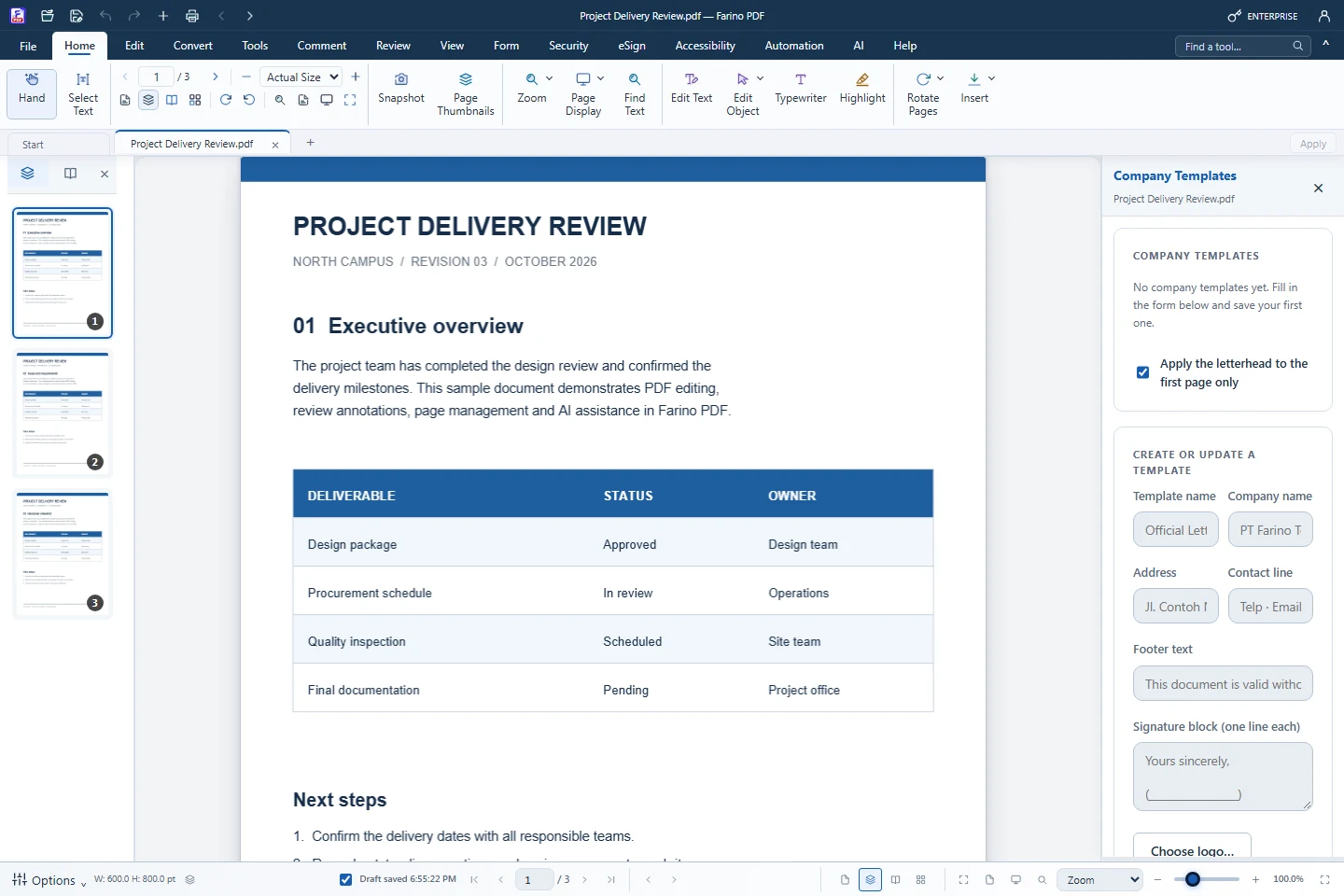
Eight Indonesian templates create PDFs with fillable fields: official letter, receipt, data form, invoice, delivery note, handover report, leave request and attendance list. Company templates (Pro) store your letterhead, footer and signature block for new letters or existing PDFs.
- Surat resmi, kuitansi, invoice, surat jalan, berita acara and more
- Page sizes A4, F4, Folio, Letter, Legal and A3
- Rupiah amounts and Indonesian date formats filled in for you
- Fields stay editable after saving (Form › Fill Form)
- Company letterhead with logo and signature block (Pro)
How to use it
Short steps in the Farino PDF app. The full guide is in the documentation.
Read the full guideClick Indonesian templates
On the Start screen, choose a template in Start from.
Set page size and date
Enter the amount and currency label for receipts and invoices.
Create and fill
Click Create Document, then fill the fields with Form › Fill Form.
Related features
Edit PDFChange text, images and shapes directly on the page.PDF AnnotatorHighlight, comment, stamp and draw on any PDF.PDF ReaderRead comfortably with thumbnails, zoom, read mode and night mode.Watermark PDFAdd a text or image watermark to every page.Number PagesPage numbers, headers and footers, Bates and document numbers.
Start with the free edition today.
Upgrade from inside your account when your work needs more.
- Free edition, no account
- Signed installer
- Local support