
RFI & Project Package
Track RFIs and issue drawing packages with transmittals.
Business and above
About this feature
What it does
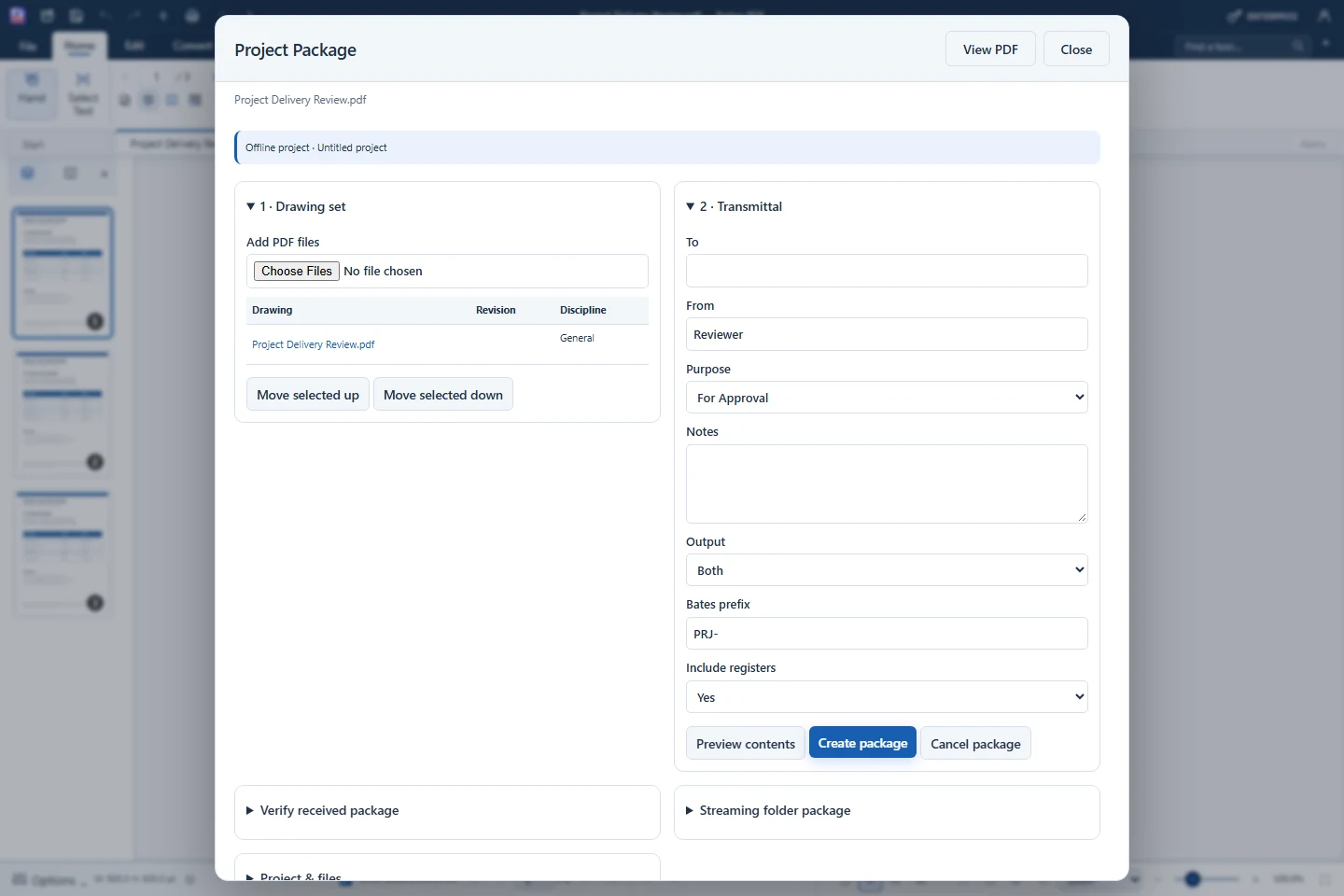
Each drawing carries an offline project (.farproj) with project code, sheet details, RFIs and attachments. Drawing & Plot checks sheets against rules such as paper size, embedded fonts and title block, and Project Package issues drawing sets with transmittals.
- Project name, code and sheet details saved with the drawing
- RFI register with numbers based on the project code
- Drawing checks: paper size, fonts, revision, scale, thin lines
- Project Package and transmittal issue
- Save project (.farproj) or an annotated PDF
How to use it
Short steps in the Farino PDF app. The full guide is in the documentation.
Read the full guideOpen the drawing and a Review panel
Fill in Project & files at the bottom.
Track and check
Log RFIs and run Drawing & Plot checks.
Issue the package
Create the project package and save the project file.
Start with the free edition today.
Upgrade from inside your account when your work needs more.
- Free edition, no account
- Signed installer
- Local support