
Redact PDF
Remove confidential content from the file for good.
All editions, including Free
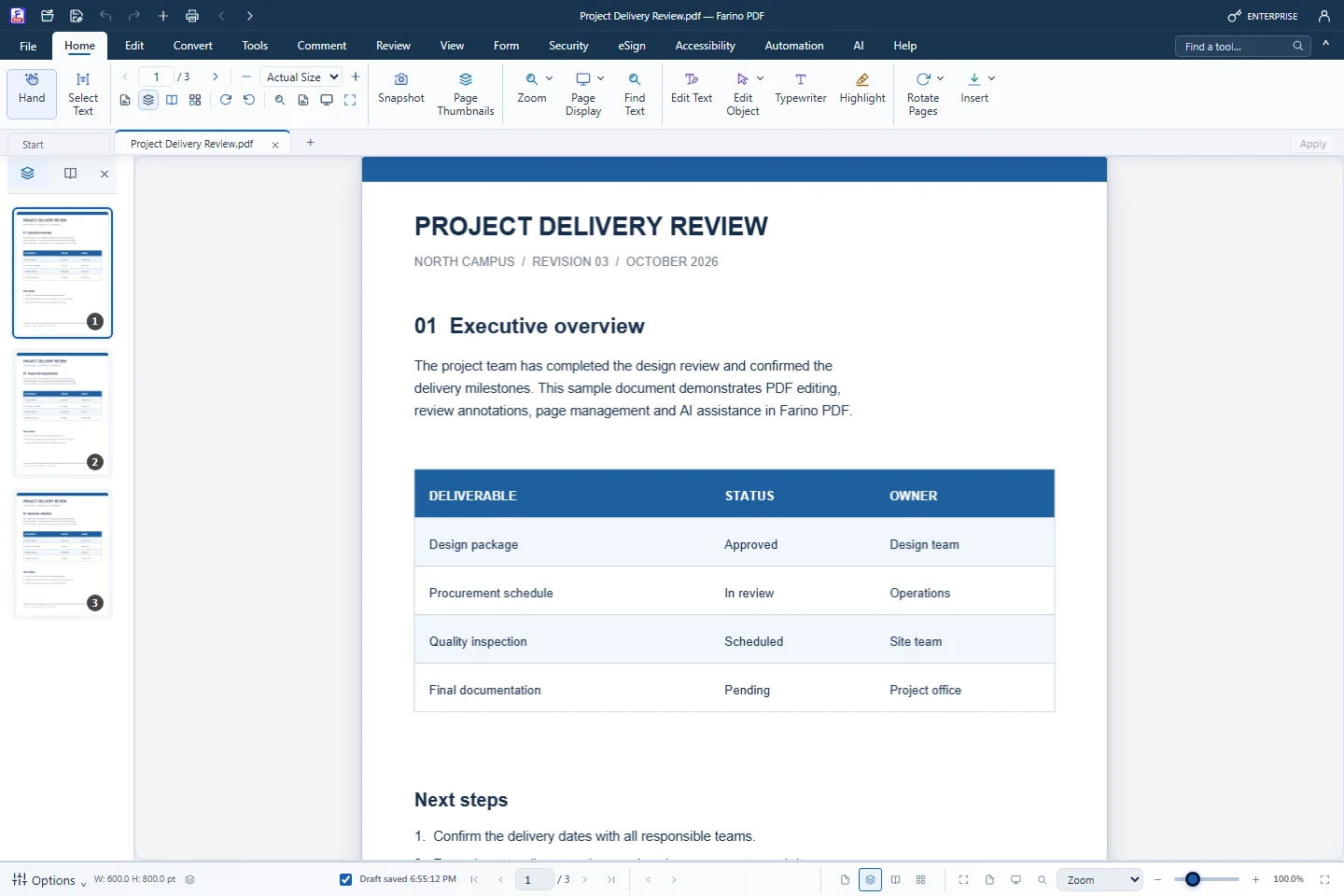
About this feature
What it does
Mark for Redaction deletes the text, images and artwork inside each marked area when you apply it, while other text on the page stays selectable. Blackout and Whiteout only cover content visually, so use Redact for anything confidential.
- Mark areas on several pages, move and resize marks
- Review & Apply with a confirmation step
- Rebuilt file drops hidden marked text and unused resources
- Metadata, attachments, links and signatures are not carried over
- Whiteout and Blackout for visual covering
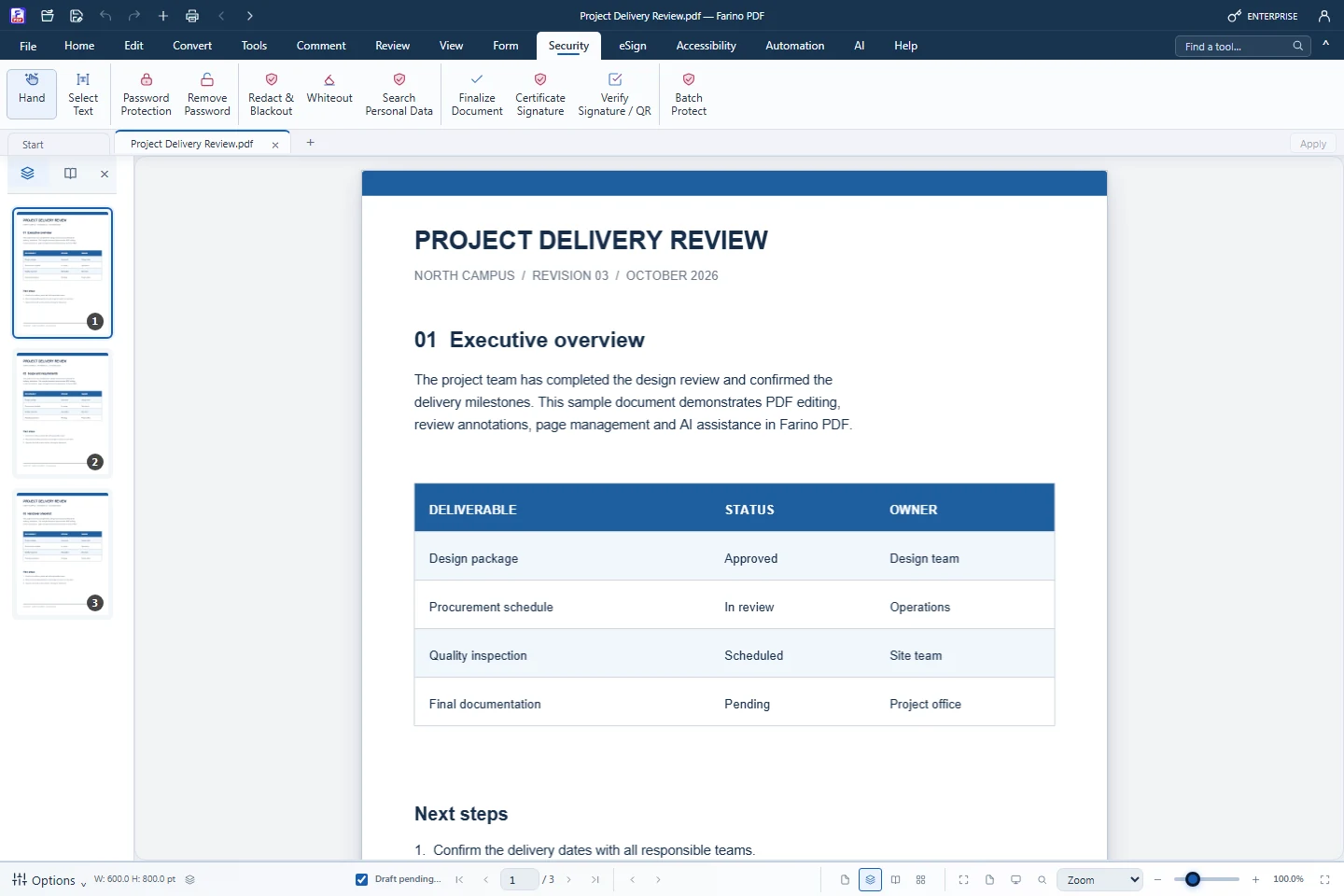
How to use it
Short steps in the Farino PDF app. The full guide is in the documentation.
Read the full guideChoose Security › Redact & Blackout
Mark for Redaction is selected.
Drag across each area
Adjust marks with Move / resize marks.
Review & Apply, then Save As
Share only the newly saved redacted PDF.
Start with the free edition today.
Upgrade from inside your account when your work needs more.
- Free edition, no account
- Signed installer
- Local support