
AI PDF Assistant
Ask, summarize and translate with page references.
All editions · AI credits
About this feature
What it does
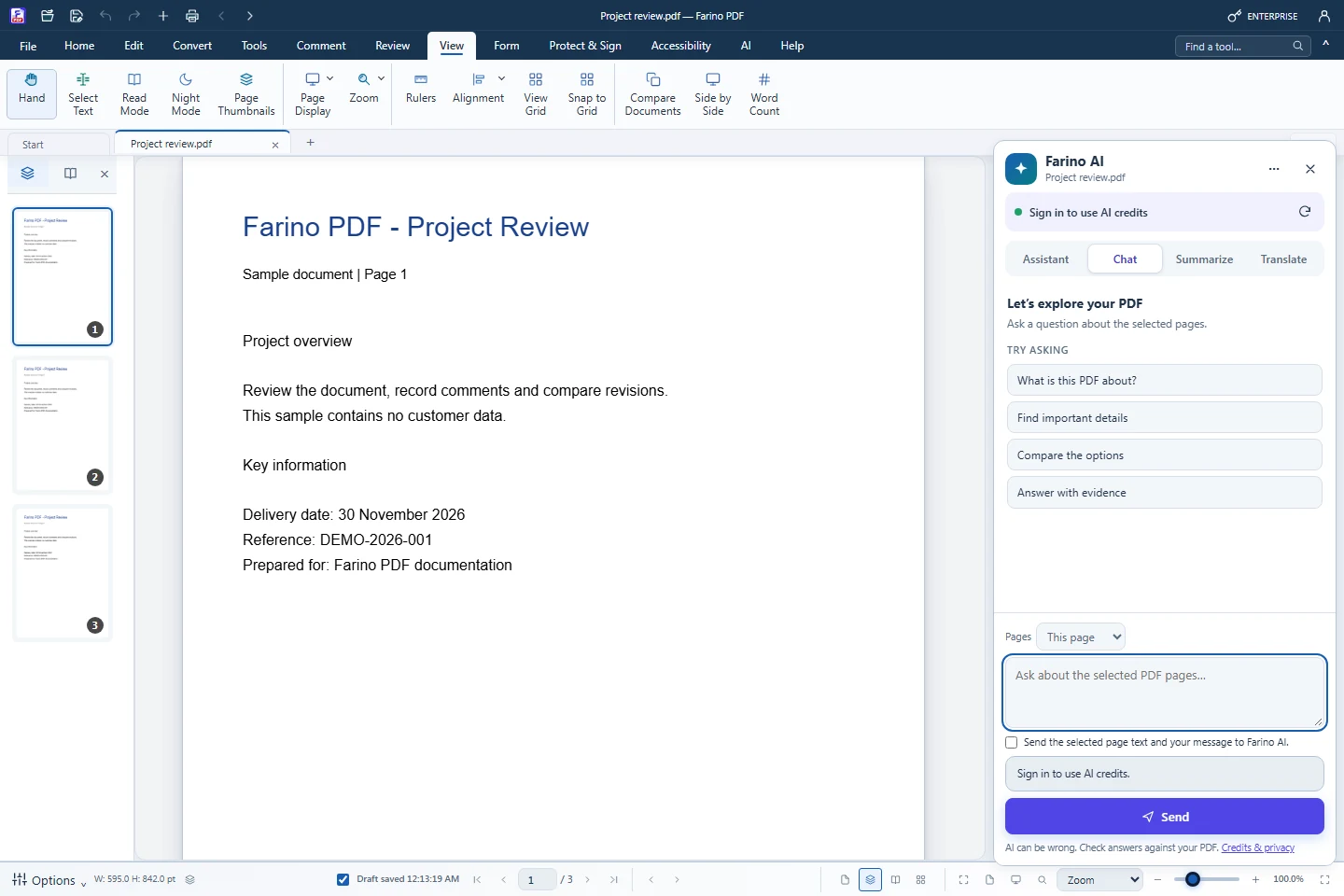
Farino AI opens beside the document so every answer can be checked against the page. Chat with the PDF, create executive or page-by-page summaries and translate into sixty languages. It needs an internet connection, a Farino account and AI credits, which work in every edition.
- Chat with PDF, with clickable page references
- Executive and page-by-page summaries
- Translate into 60 languages
- Credit ceiling shown before sending; failed requests are free
- You choose which pages are sent
How to use it
Short steps in the Farino PDF app. The full guide is in the documentation.
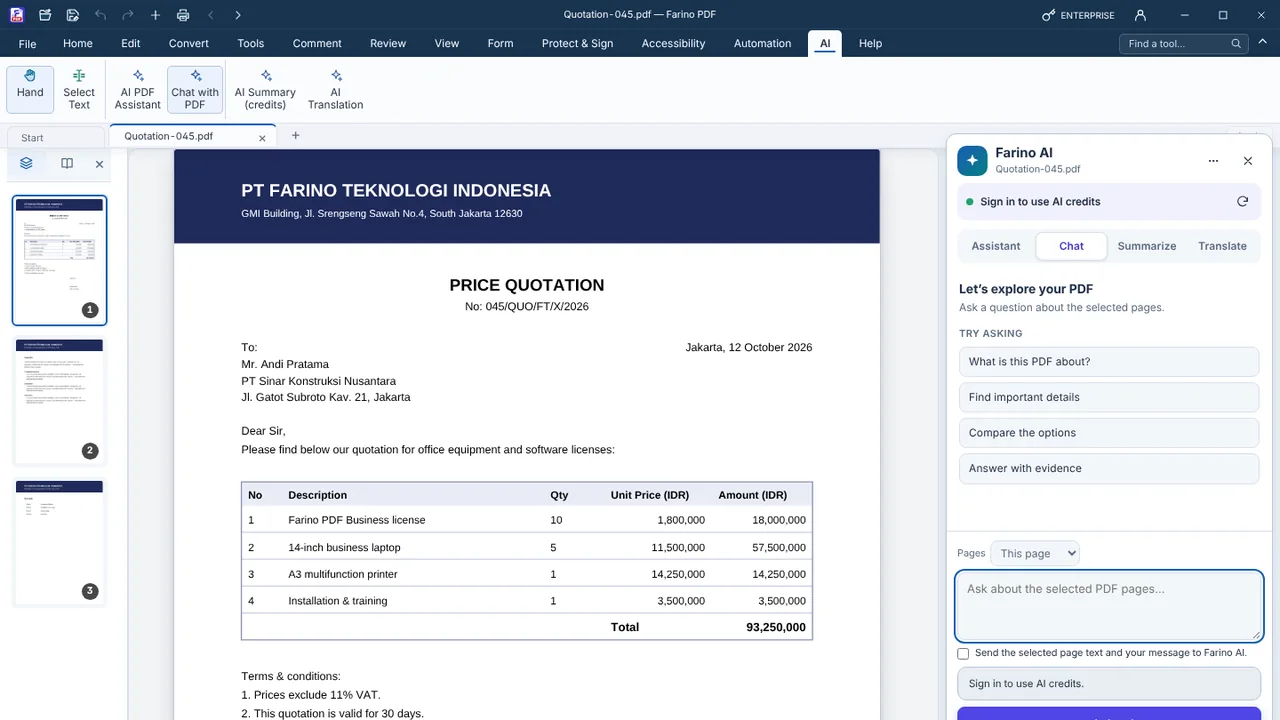
Read the full guideClick the AI tab
Choose AI PDF Assistant, Chat with PDF, AI PDF Summarizer or AI Translate.
Choose pages and ask
Give consent the first time to send the selected page text.
Check the answer
Click page references to verify against the PDF.
Start with the free edition today.
Upgrade from inside your account when your work needs more.
- Free edition, no account
- Signed installer
- Local support