
PDF to JPG & PNG
Export every page as an image, or extract embedded pictures.
All editions, including Free
About this feature
What it does
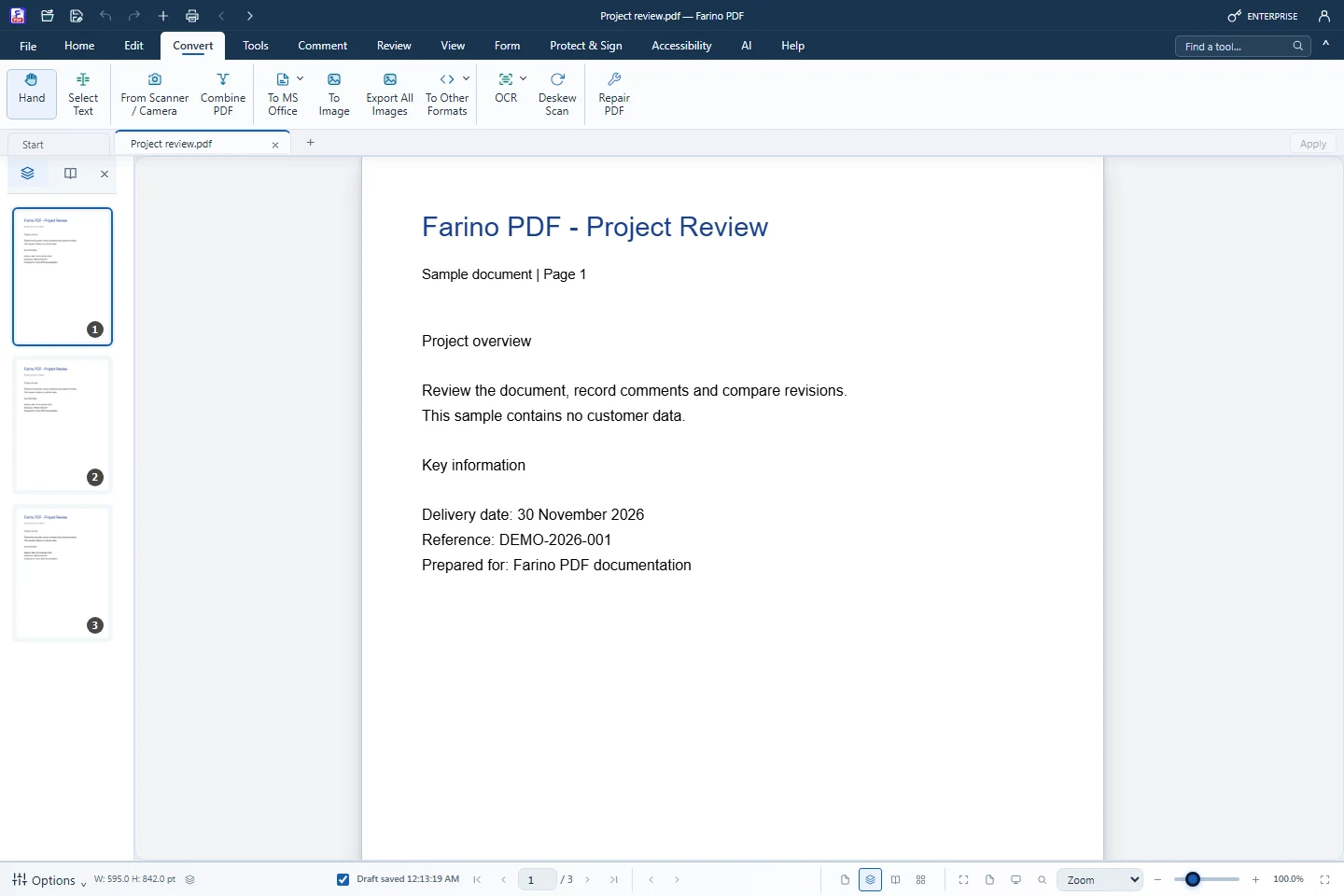
To Image renders every page at 2× resolution as PNG or JPG and collects the files in one ZIP. Export All Images pulls the embedded photos and logos out of the PDF, and Snapshot saves one page or an area as PNG.
- PNG or JPG with adjustable JPG quality (85% default)
- Every page rendered at 2× resolution into one ZIP
- Export All Images extracts embedded photos and logos
- Home › Snapshot captures a page or a dragged area
- Batch: convert many PDFs to JPG (Business)
How to use it
Short steps in the Farino PDF app. The full guide is in the documentation.
Read the full guideChoose Convert › To Image
The PDF to JPG dialog opens on PDF to Images.
Pick the format
Choose PNG or JPG and set the quality.
Convert & Download ZIP
Save the ZIP with all pages.
Related features
Start with the free edition today.
Upgrade from inside your account when your work needs more.
- Free edition, no account
- Signed installer
- Local support