
PDF Form Filler
Fill forms, add fields and export the data.
Free with Pro extras
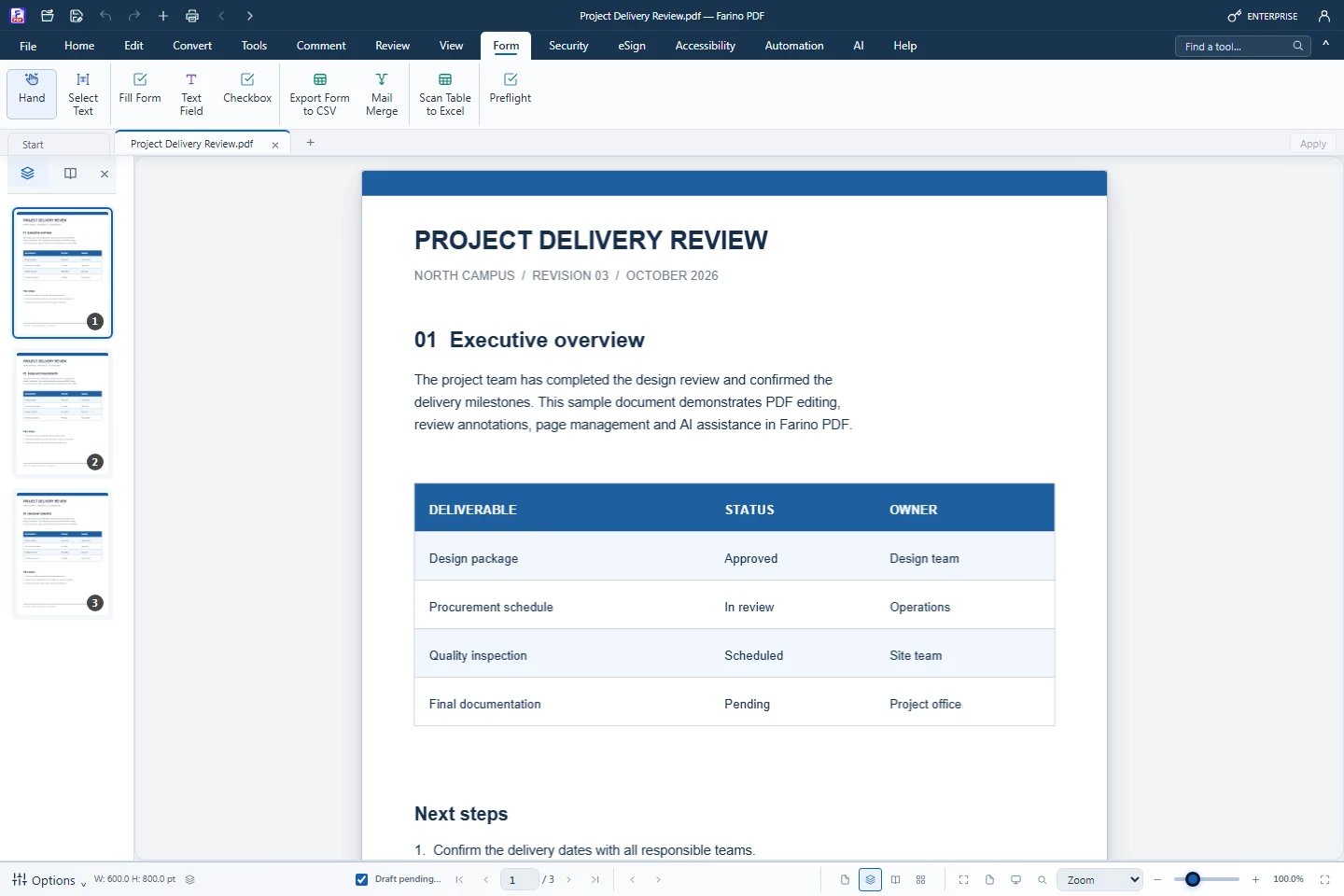
About this feature
What it does
Fill Form lets you type into standard PDF form fields and tick checkboxes, and every edition can export the entered data to CSV. Business adds Text Field and Checkbox creation with exact position, font, border and validation options.
- Fill AcroForm fields and checkboxes, Tab to the next field
- Export form data to CSV that opens correctly in Excel
- Create text fields and checkboxes (Business)
- Required, read-only, multiline and maximum-length options
- Preflight check before sending (Pro)
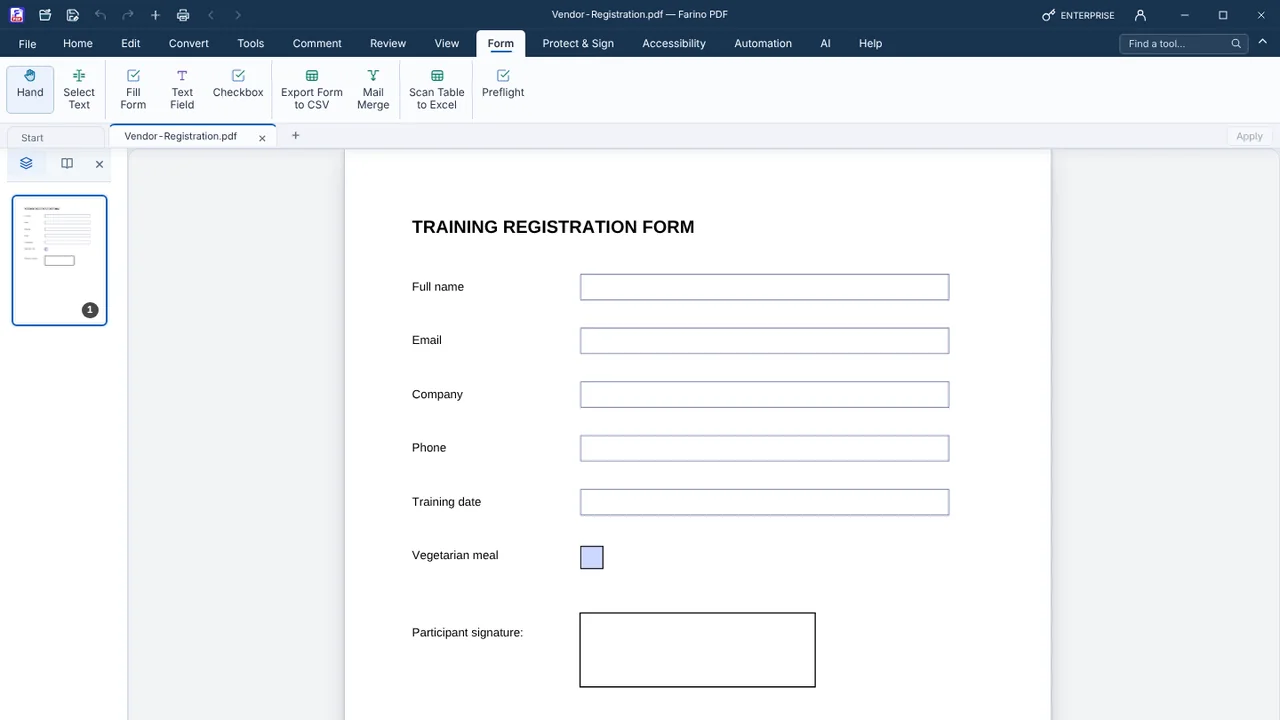
How to use it
Short steps in the Farino PDF app. The full guide is in the documentation.
Read the full guideChoose Form › Fill Form
Click a field on the page and type.
Add fields if needed
Use Form › Text Field or Checkbox and give each a short name.
Save or export
Save the PDF, or use Export Form to CSV.
Start with the free edition today.
Upgrade from inside your account when your work needs more.
- Free edition, no account
- Signed installer
- Local support