
Compare PDF
Revision overlay for drawings and text comparison for documents.
Business and above
About this feature
What it does
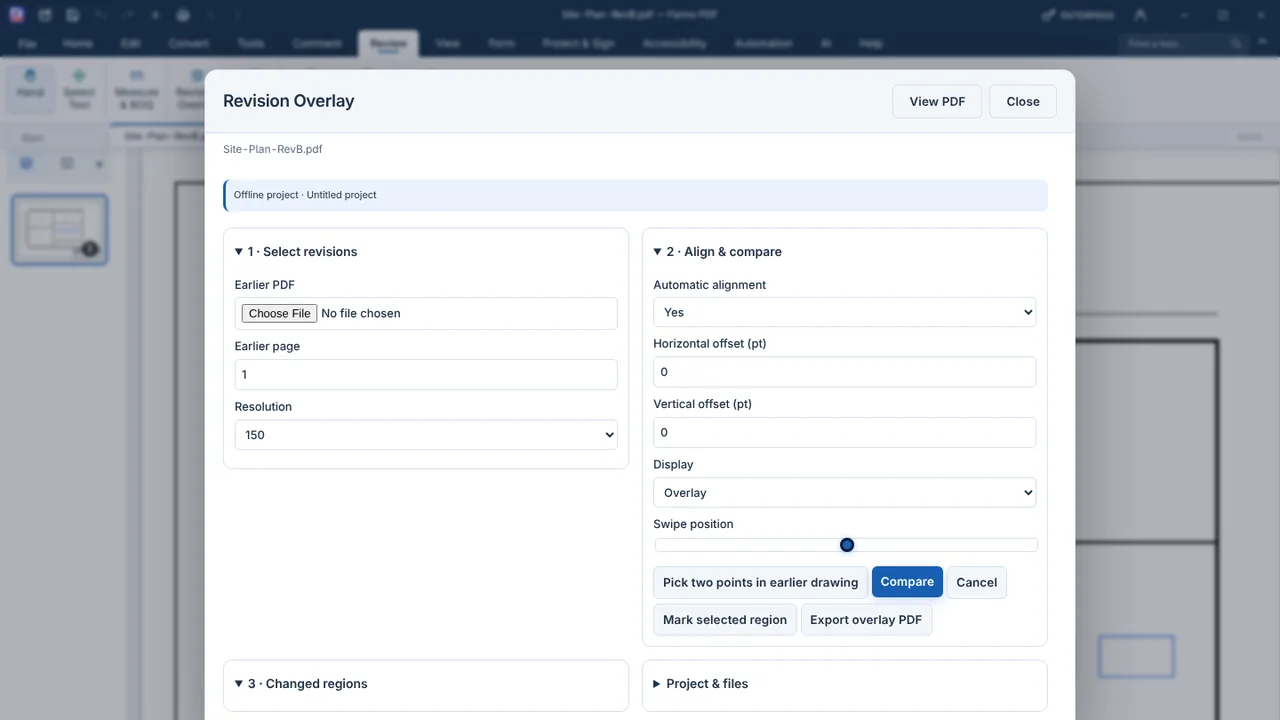
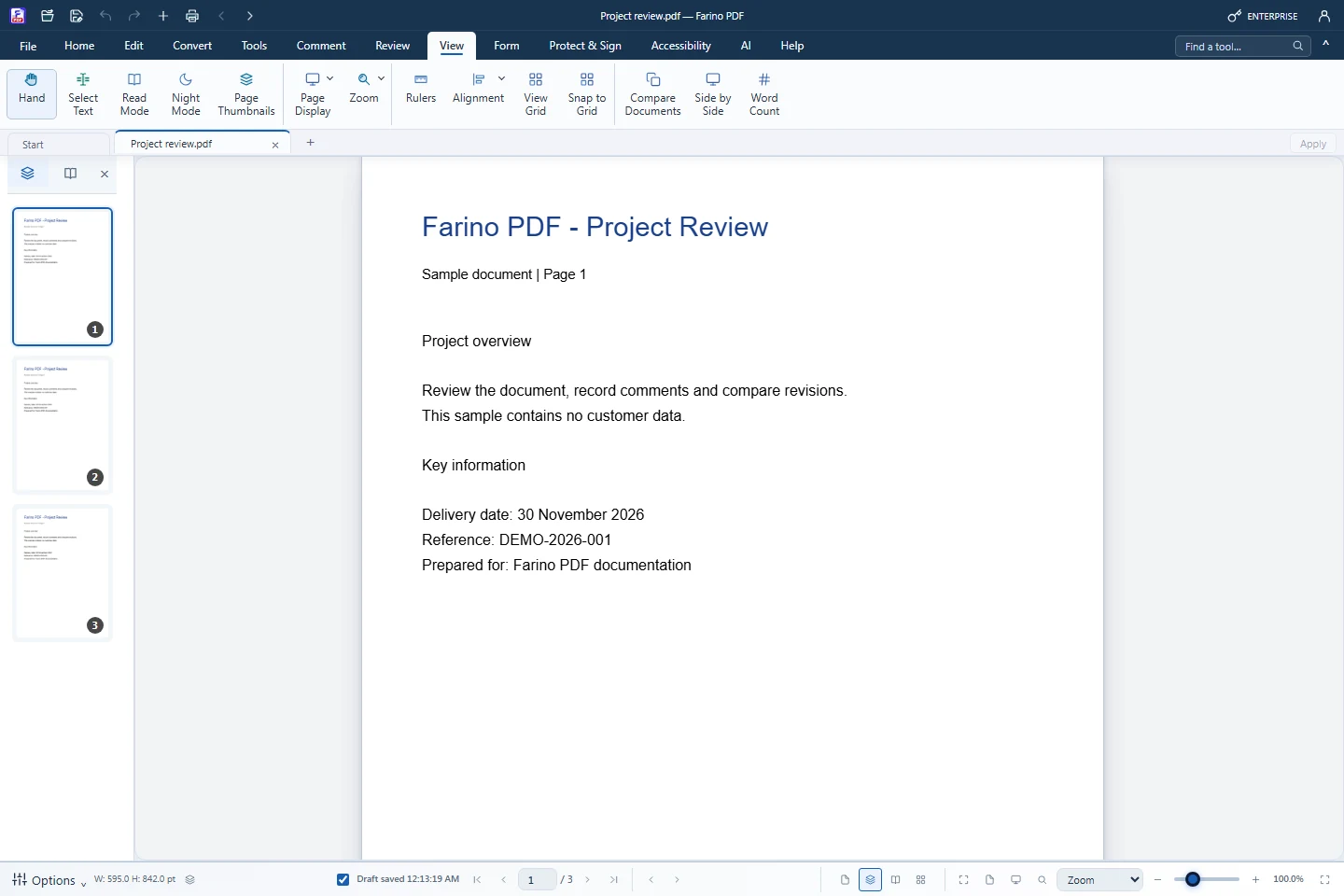
Revision Overlay aligns an earlier drawing with the open one and shows removed lines in red, added lines in blue and unchanged content in grey. Compare Documents lists which pages of two PDFs differ, with visual or text differences, and exports a marked-up PDF.
- Automatic or two-point alignment for drawings
- Overlay, Side by side and Swipe display
- Mark changed regions with revision clouds
- Compare Documents: visual or text differences
- Export overlay or marked-up PDF
How to use it
Short steps in the Farino PDF app. The full guide is in the documentation.
Read the full guideOpen the new revision
Choose Review › Revision Overlay or View › Compare Documents.
Choose the earlier PDF
Keep automatic alignment or pick two points.
Compare and export
Review the changes, then export the result.
Start with the free edition today.
Upgrade from inside your account when your work needs more.
- Free edition, no account
- Signed installer
- Local support