
About this feature
What it does
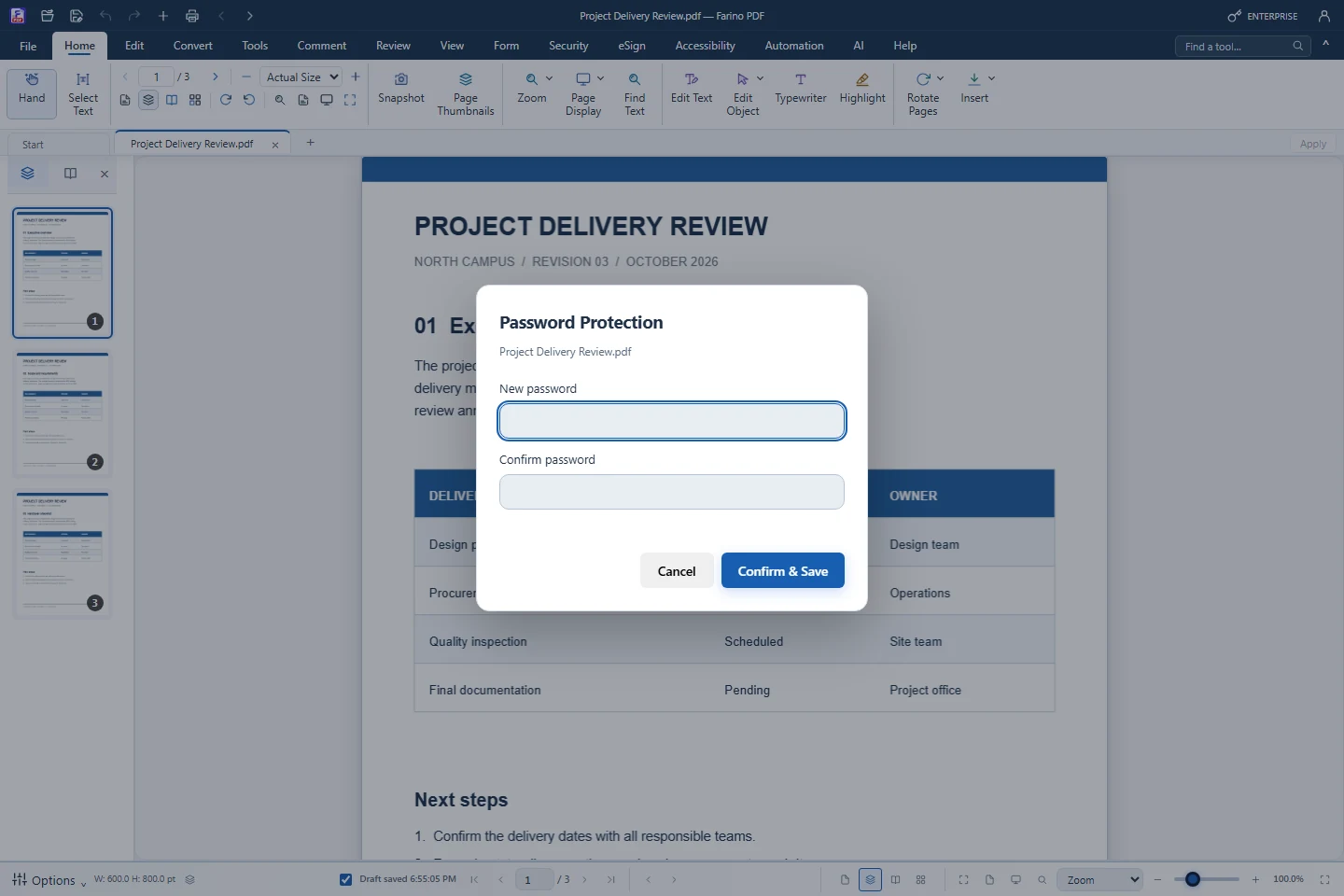
Password Protection encrypts a copy of the PDF so anyone opening it in Farino PDF, Adobe Reader or another reader must type the password. The original is never changed. Batch Protect (Business) encrypts many PDFs, each with its own password from an Excel list.
- Open password of at least 4 characters
- Saved as a -protected.pdf copy
- Works in any standard PDF reader
- Batch Protect from an .xlsx password list (Business)
- Finalize Document can lock editing while opening stays free (Pro)
How to use it
Short steps in the Farino PDF app. The full guide is in the documentation.
Read the full guideChoose Security › Password Protection
Type and confirm the new password.
Confirm & Save
Pick a name and folder in the Save As dialog.
Share the password separately
Farino PDF cannot recover a forgotten password.
Start with the free edition today.
Upgrade from inside your account when your work needs more.
- Free edition, no account
- Signed installer
- Local support