
Camera to PDF
Capture paper pages with a webcam or document camera.
Pro and above
About this feature
What it does
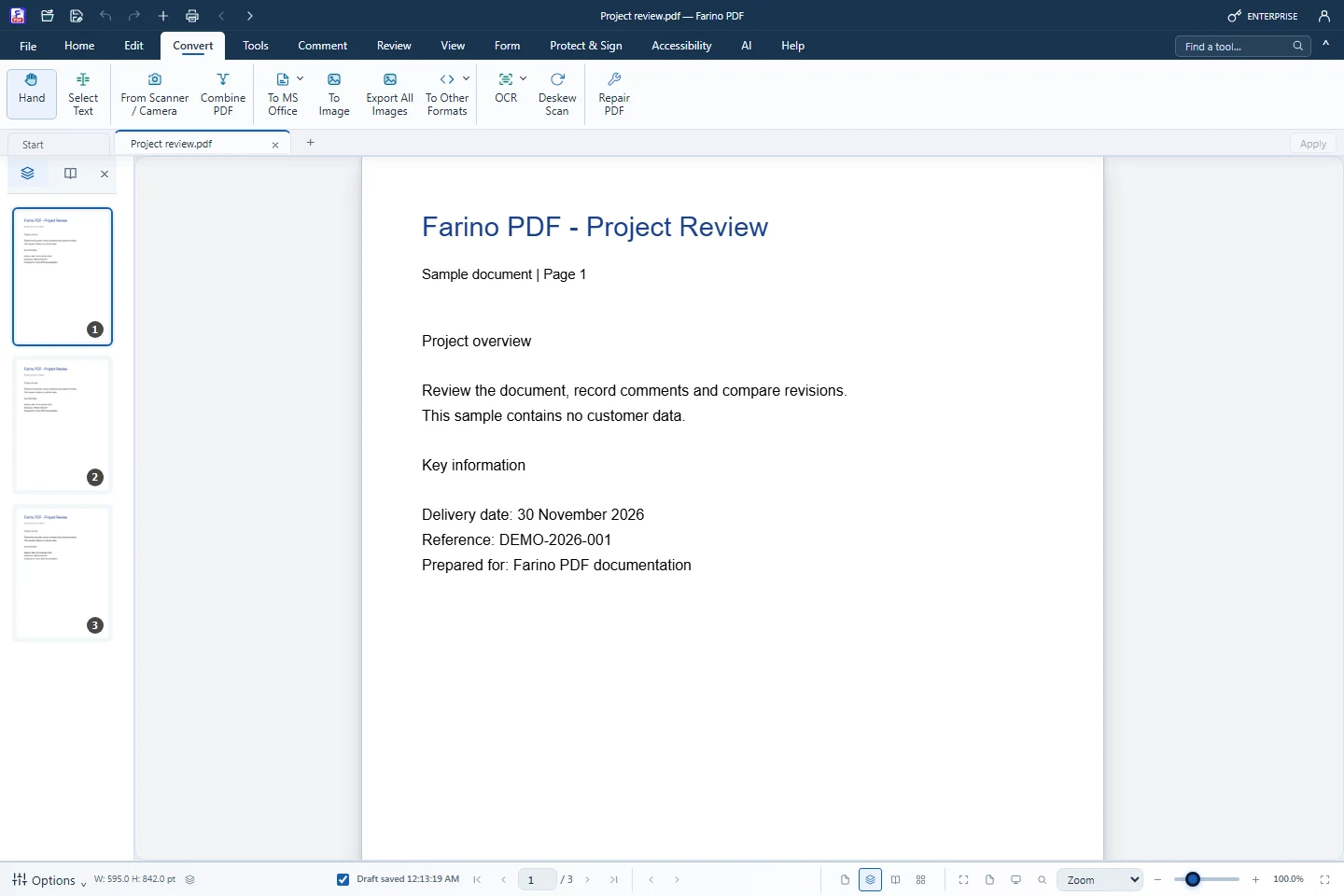
From Scanner / Camera uses a camera connected to the computer. Point it at a page and capture each page, or add photos from files, then create one PDF. Run OCR on the result to make it searchable.
- Webcam or document camera
- Capture Page for each sheet
- Add photos from files
- Create one PDF from all captures
- Follow with OCR and deskew for clean, searchable scans
How to use it
Short steps in the Farino PDF app. The full guide is in the documentation.
Read the full guideChoose Convert › From Scanner / Camera
The camera preview opens.
Capture the pages
Click Capture Page for every page.
Create PDF
Then run Recognize Text (OCR) if you need searchable text.
Start with the free edition today.
Upgrade from inside your account when your work needs more.
- Free edition, no account
- Signed installer
- Local support