
PDF Reader
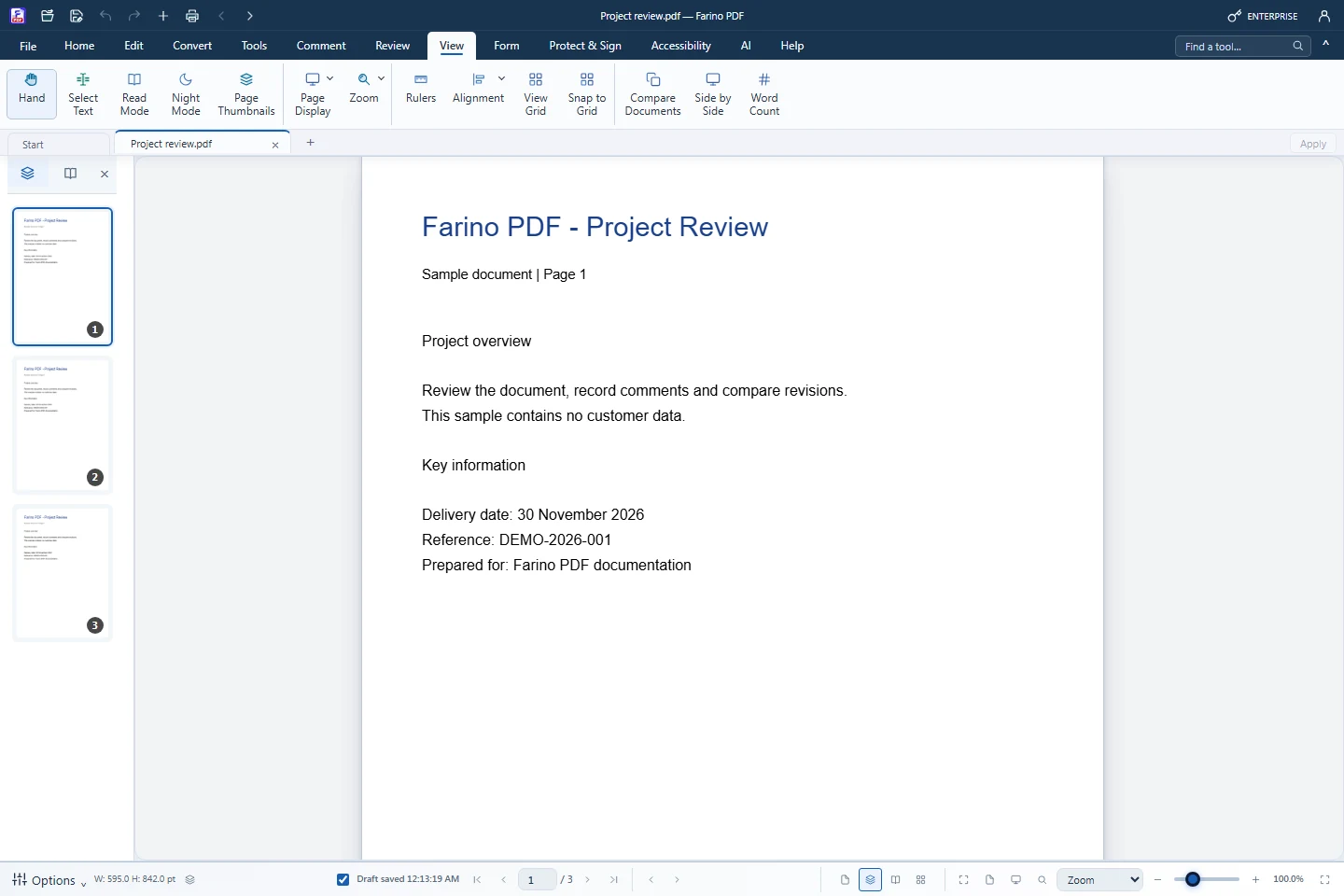
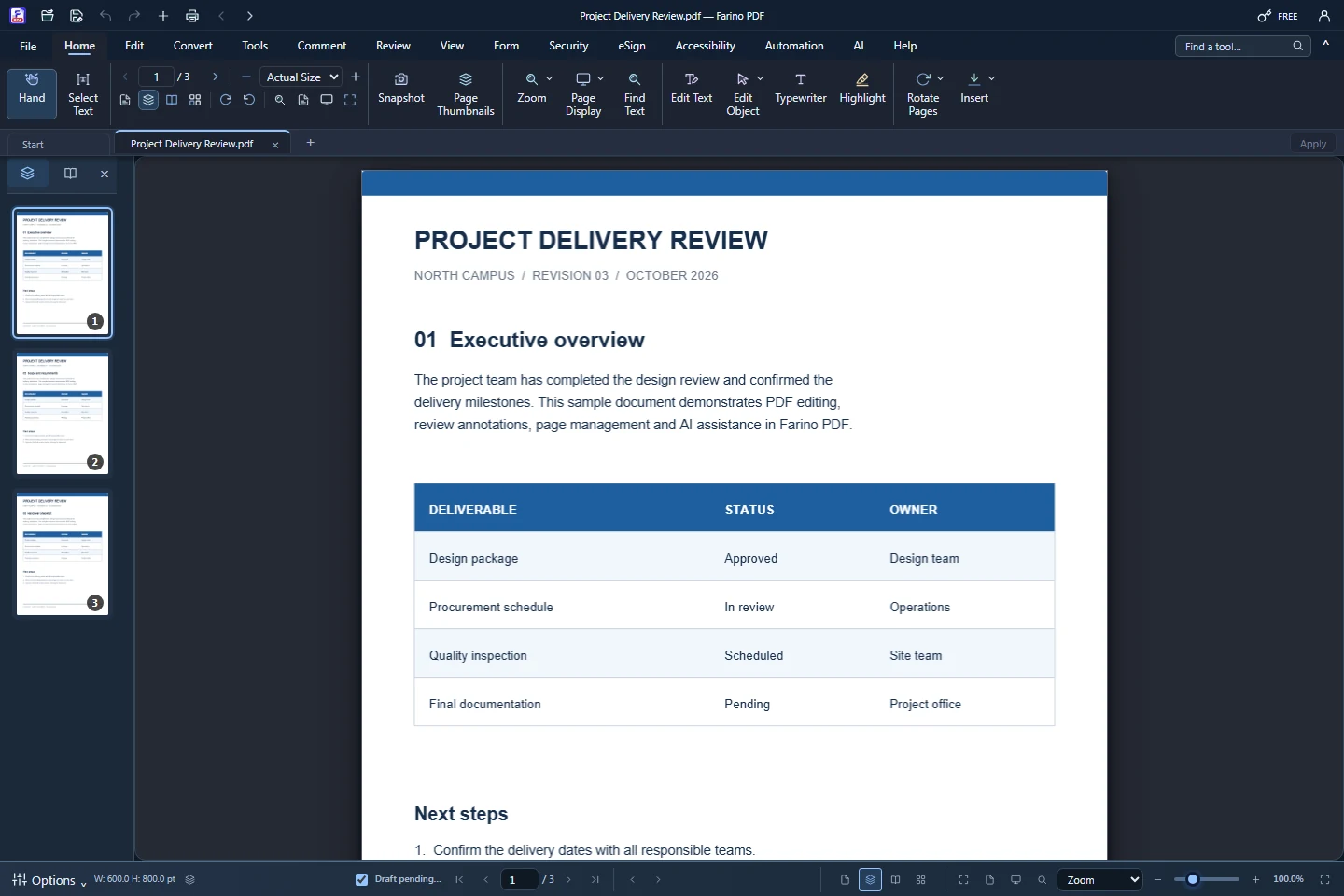
Read comfortably with thumbnails, zoom, read mode and night mode.
All editions, including Free
About this feature
What it does
Farino PDF opens several documents in tabs with a thumbnail panel, bookmarks, a status bar for page navigation and four page display modes. Read Mode hides the ribbon and Night Mode switches the app to a dark theme while pages keep their colours.
- Single Page, Continuous, Facing Pages and Continuous Facing
- Zoom from 10% to 400%, Fit Width, Fit Page and Fit Content
- Find text, Word Count, rulers and grid with snap
- Read Aloud with the Windows voices on your PC
- Side by Side (Pro) and Compare Documents (Business)
How to use it
Short steps in the Farino PDF app. The full guide is in the documentation.
Read the full guideOpen a PDF
Use File › Open or drop the file on the start screen. Each document gets its own tab.
Choose a view
Pick a page display and zoom on the View tab or the status bar.
Focus on reading
Turn on Read Mode or Night Mode. Press Esc to leave Read Mode.
Related features
Edit PDFChange text, images and shapes directly on the page.PDF AnnotatorHighlight, comment, stamp and draw on any PDF.Watermark PDFAdd a text or image watermark to every page.Number PagesPage numbers, headers and footers, Bates and document numbers.Document TemplatesReady-to-fill Indonesian templates and company letterheads.
Start with the free edition today.
Upgrade from inside your account when your work needs more.
- Free edition, no account
- Signed installer
- Local support