
Sign PDF
Image signatures, stamps and certificate signatures.
Free with Pro extras
About this feature
What it does
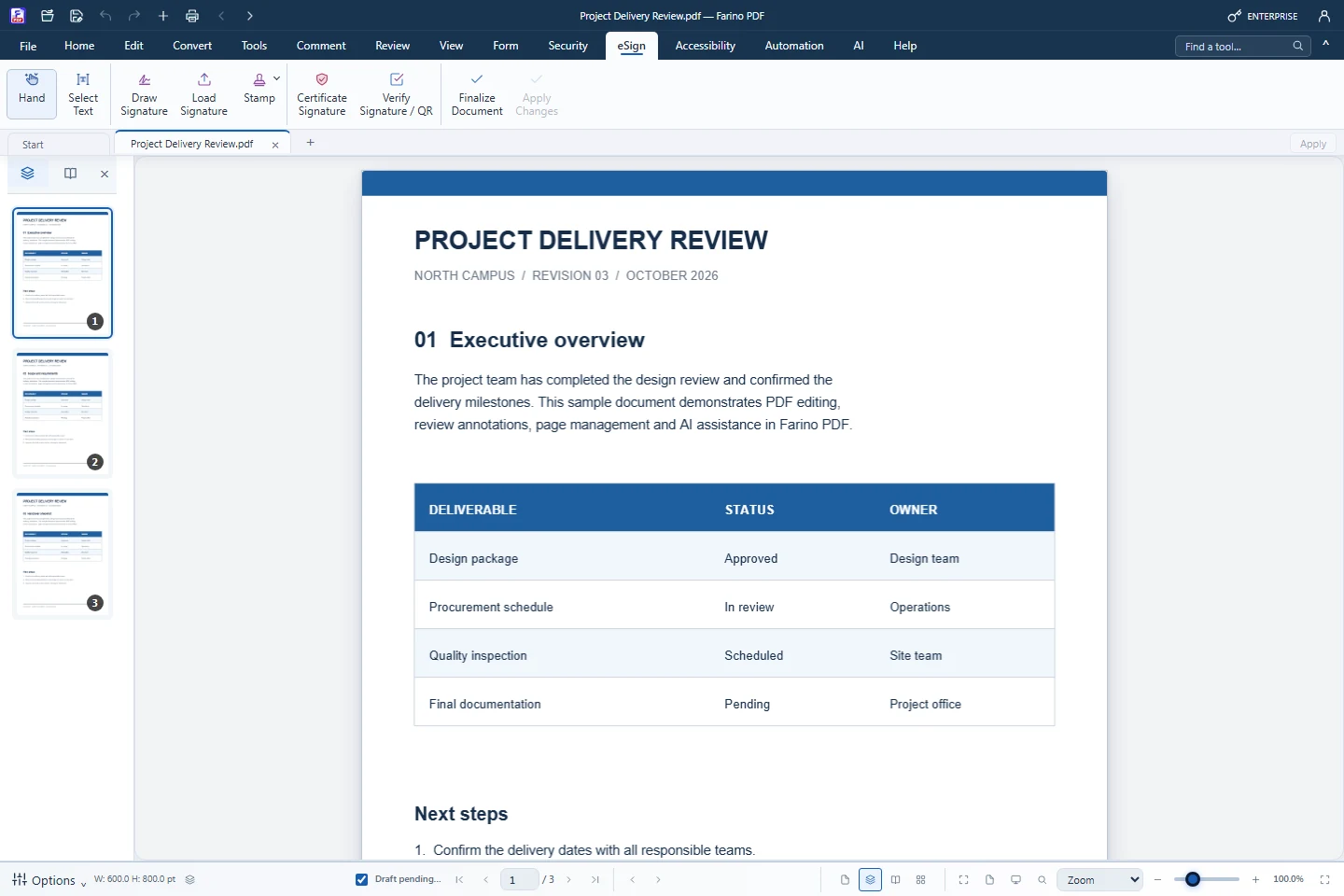
The eSign tab places a typed, drawn or image signature and approval stamps such as DISETUJUI or LUNAS. Business adds certificate signatures with a .p12 or .pfx file (PKCS#7, SHA-256), so readers can detect changes after signing; signing happens on your PC.
- Load Signature and stamps in every edition
- Draw Signature: type, draw or image (Business)
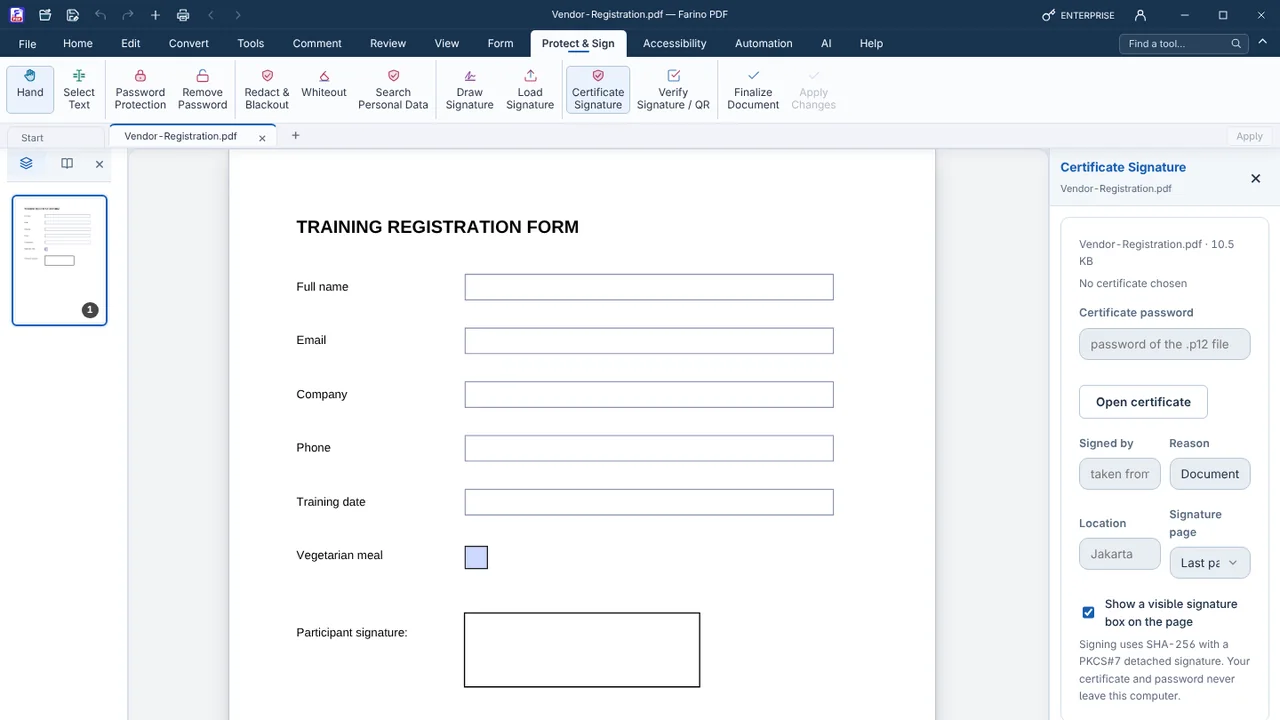
- Certificate Signature with a visible or invisible box (Business)
- Reason, location and first or last page
- Finalize Document after approval (Pro)
How to use it
Short steps in the Farino PDF app. The full guide is in the documentation.
Read the full guideOpen the eSign tab
Choose Draw Signature, Load Signature, Stamp or Certificate Signature.
Place or sign
Drag the signature into position, or open your certificate and check the details.
Apply and save
Click Apply Changes or Sign Document, then save.
Start with the free edition today.
Upgrade from inside your account when your work needs more.
- Free edition, no account
- Signed installer
- Local support