
Batch PDF
One workflow. Multiple files. Consistent results.
Business and above
About this feature
What it does
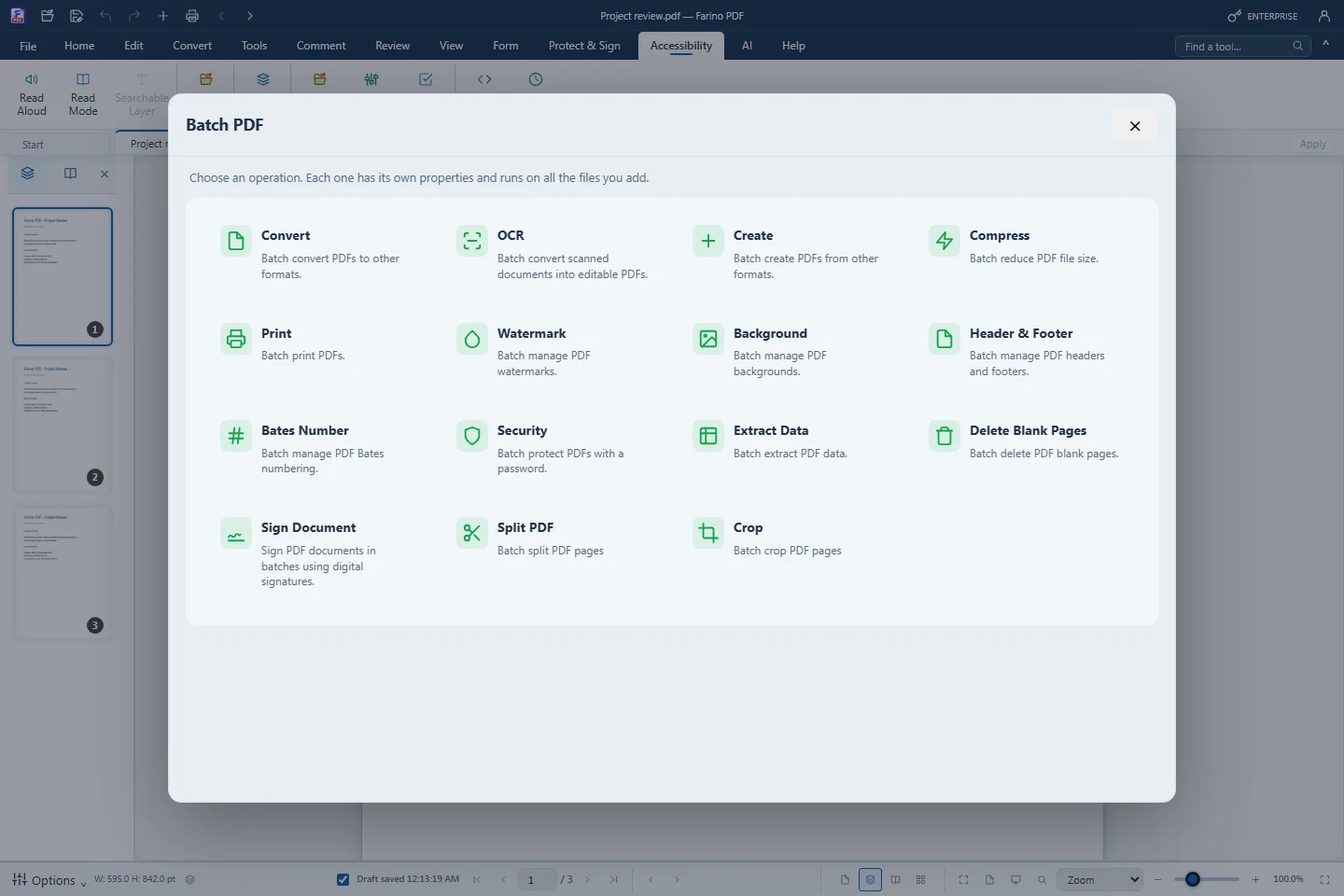
Choose from 15 operations in Accessibility › Batch PDF. Each operation has its own properties, file list and progress display. Apply the same settings to a group of documents and save the results together.
- Convert, OCR, create, compress and print multiple documents
- Add watermarks, backgrounds, headers, footers and Bates numbers
- Protect files, extract data, remove blank pages, split and crop
- Sign documents using a Digital ID
- Review progress and errors per file; save output as a ZIP, except printing
How to use it
Short steps in the Farino PDF app. The full guide is in the documentation.
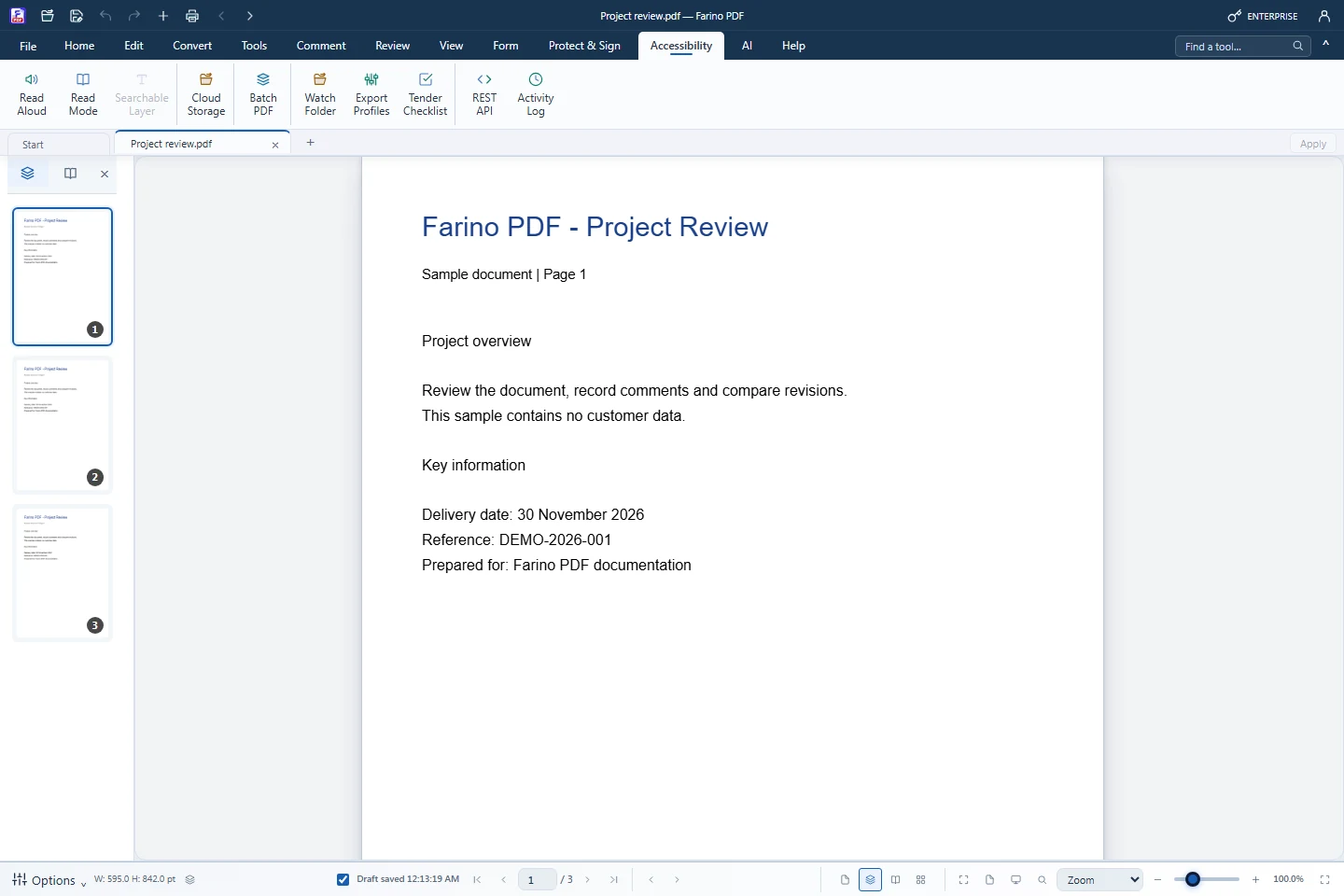
Read the full guideOpen Accessibility › Batch PDF
Choose an operation from the gallery. Business or Enterprise is required.
Add files and set properties
Choose files, add a folder or use the current PDF. Review the settings for that operation.
Run and review
Monitor each file, then save the ZIP. Printing uses the system print workflow; digital signing requires your Digital ID.
Start with the free edition today.
Upgrade from inside your account when your work needs more.
- Free edition, no account
- Signed installer
- Local support