
PDF to Text, HTML & EPUB
Export the text layer to TXT, HTML, EPUB or Markdown.
Free with Pro extras
About this feature
What it does
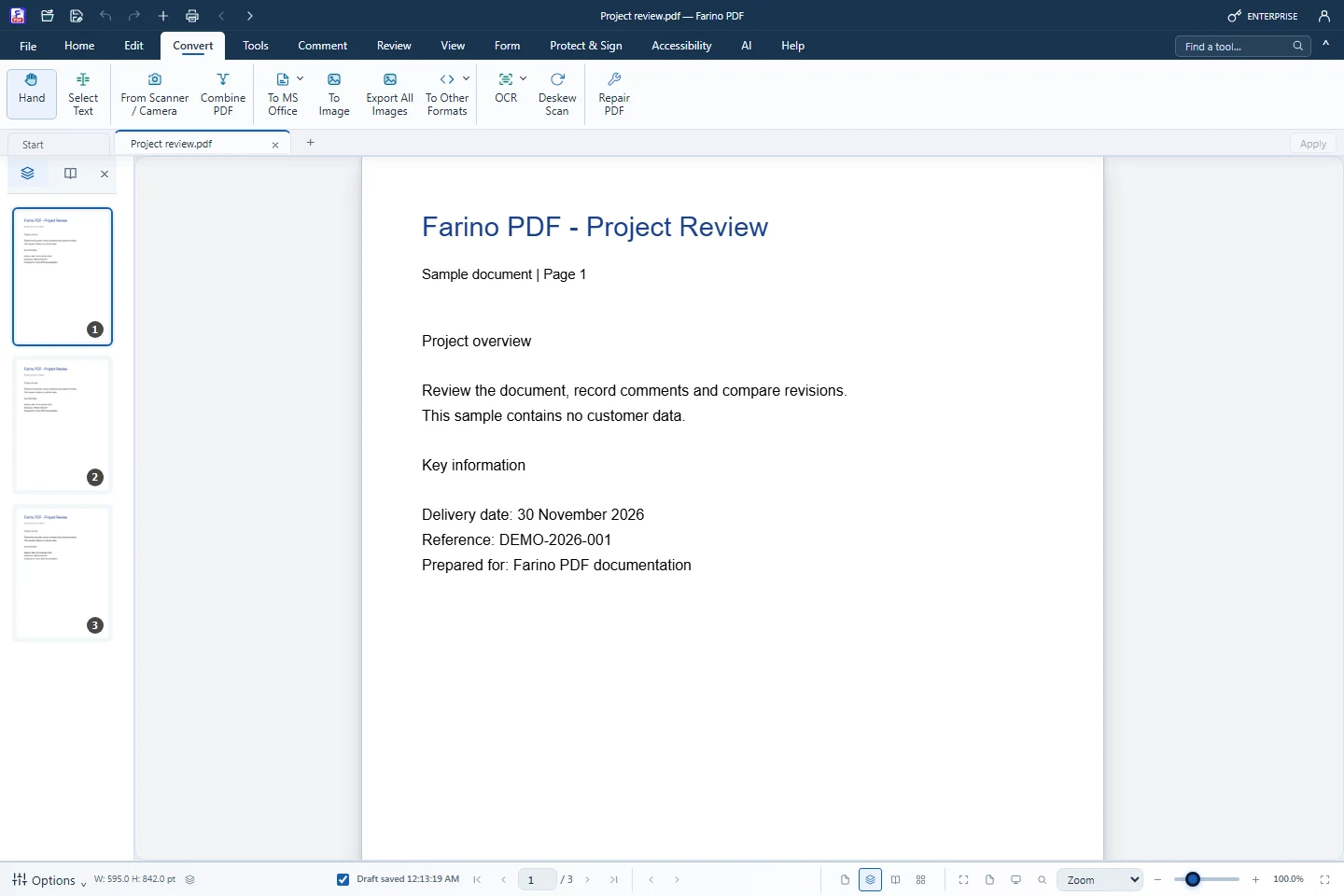
To Other Formats exports the document text page by page. TXT, HTML and EPUB are available in every edition; Markdown needs Pro. These are text exports for reuse, not visual copies of the layout.
- TXT, HTML and EPUB in every edition
- Markdown export (Pro)
- Text split by page, in reading order
- Also available from File › Save As
- Scans need Recognize Text (OCR) first
How to use it
Short steps in the Farino PDF app. The full guide is in the documentation.
Read the full guideChoose Convert › To Other Formats
Pick To Text, To HTML, To EPUB or To Markdown.
Wait for the export
The active PDF is used automatically.
Save the file
Choose the location in the Save As dialog.
Related features
Start with the free edition today.
Upgrade from inside your account when your work needs more.
- Free edition, no account
- Signed installer
- Local support