
Split PDF
Split by range, page count, keyword or blank page.
All editions, including Free
About this feature
What it does
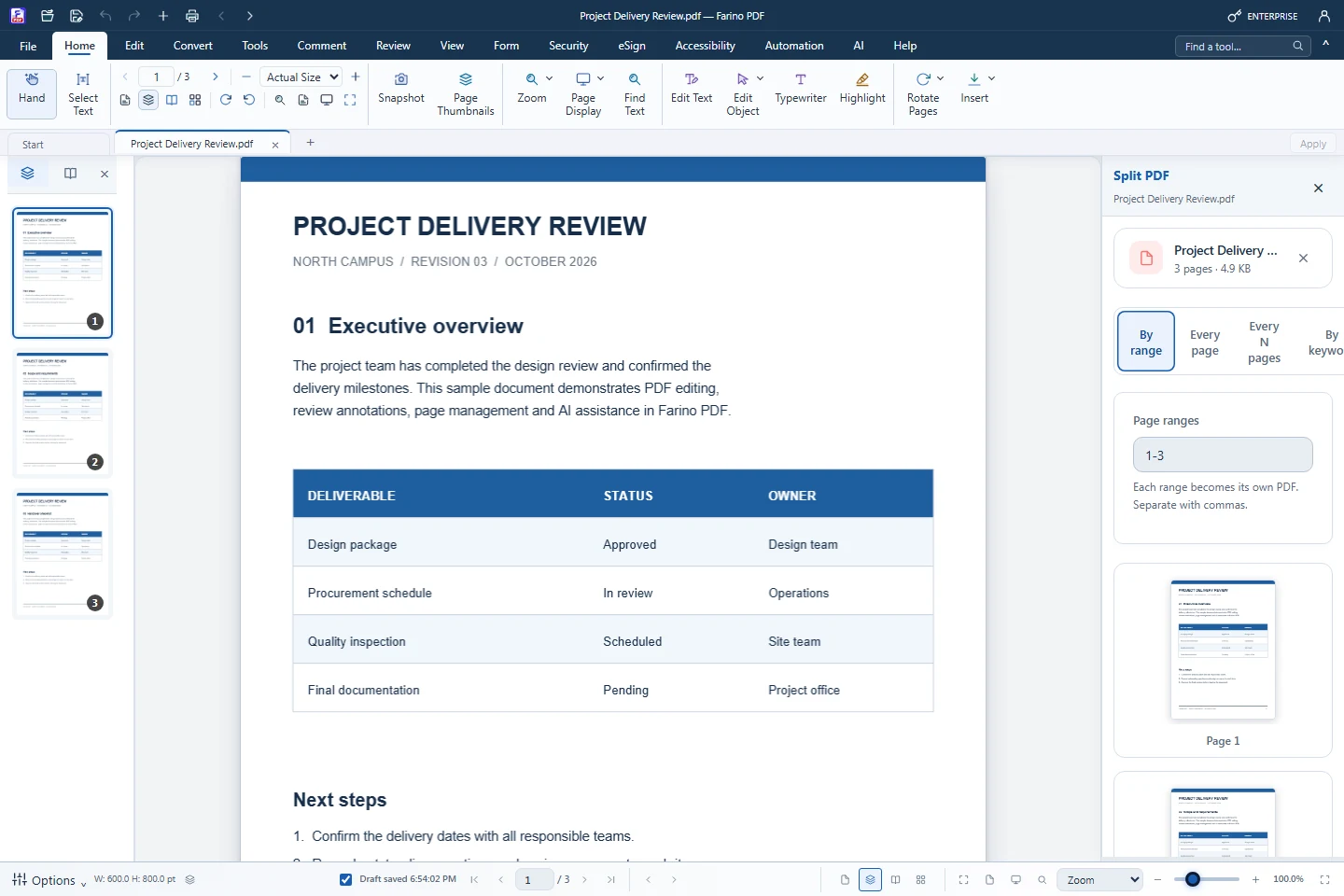
Split Document divides one PDF into several files and returns them in one ZIP. Split by page ranges, every page, every N pages, a keyword such as INVOICE, or blank separator pages. Extract Pages saves selected pages as a new PDF.
- By range, every page or every N pages
- By keyword: a new file starts where a word appears
- By blank page: blank separators are removed
- Extract Pages and Split Page into left/right halves
- Free edition
How to use it
Short steps in the Farino PDF app. The full guide is in the documentation.
Read the full guideChoose Tools › Split › Split Document
The Split PDF panel opens.
Pick a method
Set the ranges, page count or keyword.
Split & Download ZIP
Choose where to save the ZIP file.
Start with the free edition today.
Upgrade from inside your account when your work needs more.
- Free edition, no account
- Signed installer
- Local support